 EZVIZ no longer supports Internet Explorer or earlier versions, and the site may not behave as expected. Please upgrade to a newer browser.

Sign up for your free trial today and enjoy up to 30 days of cloud video storage

 No more missed moments as you can always view and replay them on cloud.
 No more video loss caused by storage card failure or camera theft.
 No more frustrating storage limits with local storage tools.
 Live viewing
 Instant alerts


*For video sharing, users will need to first download cloud videos to the EZVIZ App on their mobile device.
 Autosaved event-based video history
 Easy video sharing via EZVIZ App*
 Encrypted video storage
 Multi-step authentication


Please select your country
7-day event-based video history
Up to 30 days free
aaaaa
bbbbbb
cccccccc
33
4
56
ddd
eeee
ffff
d
e
f
7-Day Event-Based Video History
Monthly: xxx €
Yearly: xxx €
30-Day Event-Based Video History
Monthly: 14.99 €
Yearly: 149.99 €
7-day event-based video history
Up to 30 days free
7-day event-based video history
Monthly: €7.49
Yearly: €74.99
7-day event-based video history
Monthly: €17.49
Yearly: €174.99
30-day event-based video history
Monthly: €144.99
Yearly: €1449.99
7-day event-based video history
Up to 30 days free
标准套餐
10
100
7-day event-based video history
Up to 30 days free
标准套餐
15
150
推荐套餐
20
200
商务套餐
30
300
*Every EZVIZ camera can enter a 30-day free trial on EZVIZ CloudPlay upon camera purchase. The standard plans only offer cloud storage to one EZVIZ camera.
Plan pricing and details may vary among countries and regions. Please refer to the subscription page on your EZVIZ App for final information.


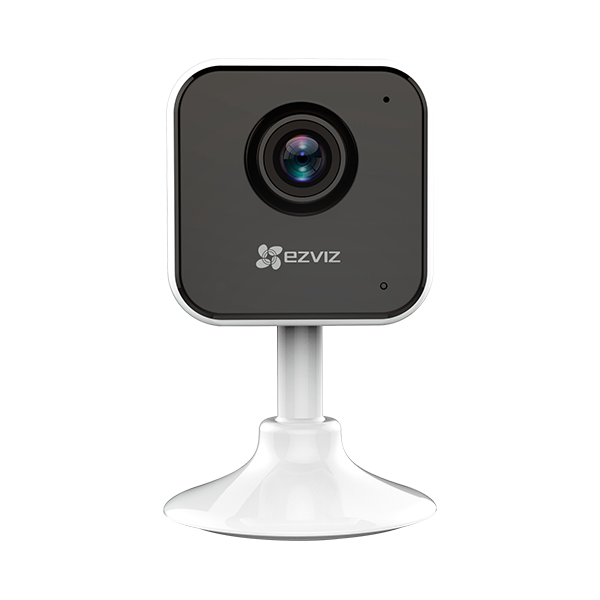 C1HC
C1HC
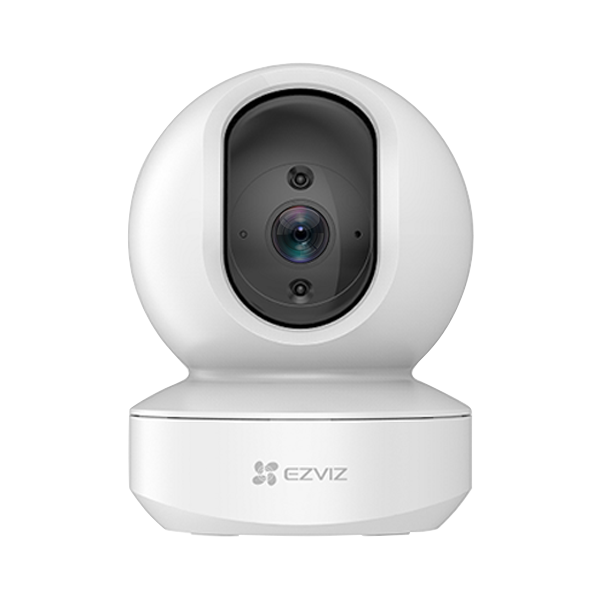 TY1 3MP
TY1 4MP
TY1 3MP
TY1 4MP
Your subscription will be automatically renewed by the end of each billing cycle after you set up auto payments with your credit card.
You can change your CloudPlay subscription at any time. Please go to the cloud storage page on your EZVIZ App to choose among plan options on the length of video history, number of supported cameras, or different billing cycles (monthly/yearly).
For most countries and regions, EZVIZ CloudPlay offers monthly or yearly subscription options. Within the plan benefits, the “event-based video history” means users can view and playback motion-triggered video clips that happen over a period of time – which can be the last 3 days, 7 days or 30 days. For example, when you subscribe to a monthly plan with 7-day event-based video history, you can use CloudPlay for 30 days but can only playback event videos that date back to the last 7 days. Videos of the 8th day will automatically overwrite those from the 1st day. But you can always save videos on your mobile device manually before the 8th day. The same logic applies to the 3-day and 30-day event-based video history benefits as well.
You can easily view, download and share videos using the EZVIZ App. For video sharing, please firstly download the cloud videos to your video library on the EZVIZ App and then click on the sharing options to send them to others or post on social media.
For your CloudPlay works properly, please make sure the requirements below are met:
• High-Speed Internet Connection (1.5Mbps+)
• Mobile OS: iOS 7.0+ (iPhone, iPad), Android 4.0+
• Ensure that your camera has the latest firmware
Also, it is likely that the services can experience temporary suspensions or interruptions due to internet issues or account setup, which may include:
• The device is offline due to Wi-Fi intermittency, service provider uptime or other types of connection failures.
• The camera fails to upload the video to the cloud due to the bandwidth limit.
• The camera is deleted from your account.
• The cloud auto recording is stopped.
If the above information isn’t helping with your problem, please do not hesitate to contact our support team at rma.glb@ezviz.com.
Your subscription starts only when your free trial ends, and you choose to continue the services with a paid subscription and agree to add your credit card. EZVIZ CloudPlay will charge you according to your billing cycle (yearly or monthly) and your subscription will renew automatically unless you cancel it. Taxes may apply during the recurring payments.
Sorry that you cannot get refund for any payments you’ve already made once your subscription starts. If you decide to unsubscribe, you can cancel the plan at any time. You will still have full access to the subscription until the end of the period you have paid for.

 Store
Store